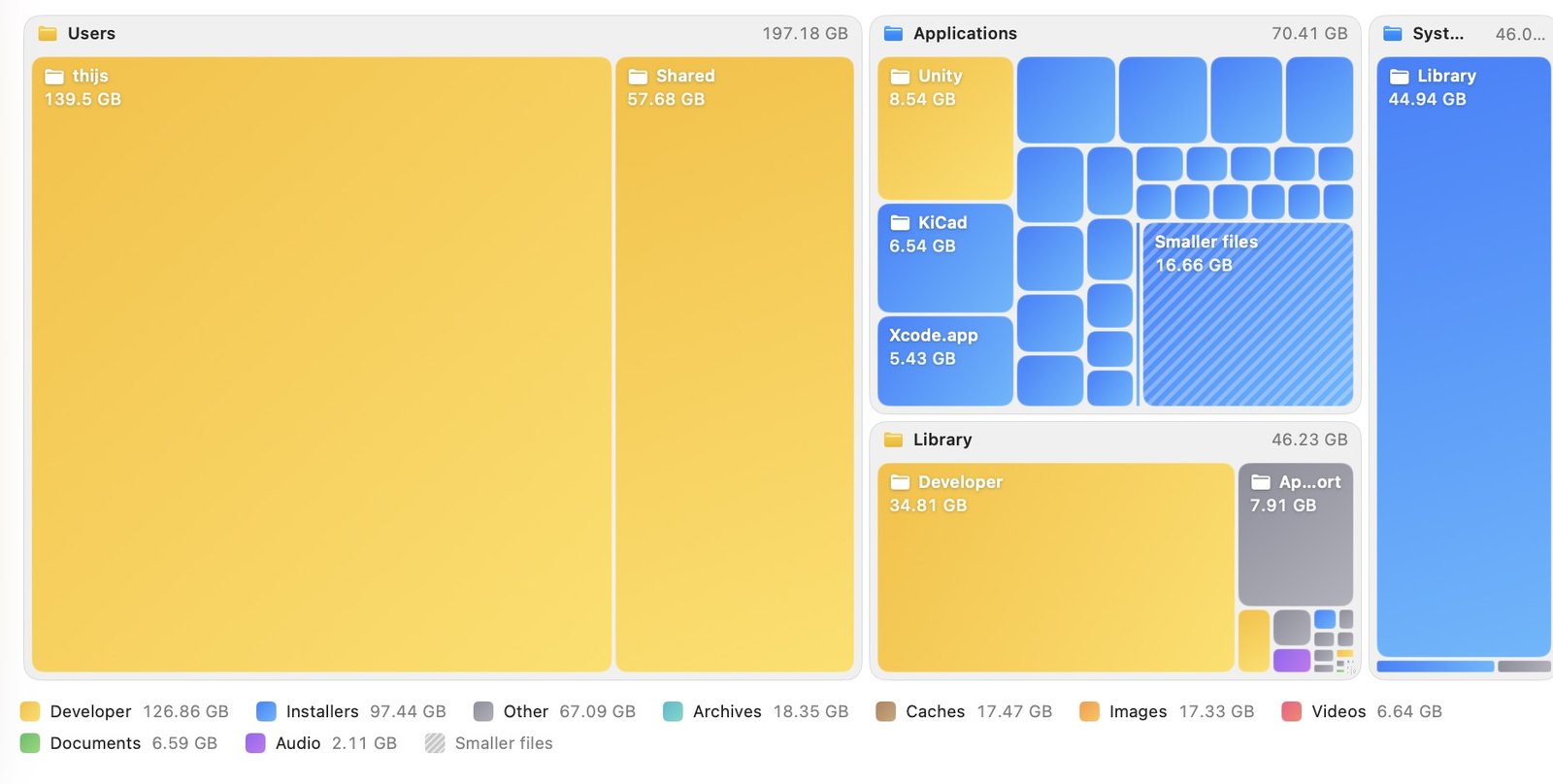
Map view
Every file, sized by the space it takes
The map updates live while Maclume scans. Big tiles are big files. Click a folder to zoom in, and spot what is eating your disk at a glance.
 Maclume
Maclume finds the biggest files and folders on your Mac in seconds, explains what they are, and helps you clean them up safely.
Free to try · One-time purchase for Pro · No subscription
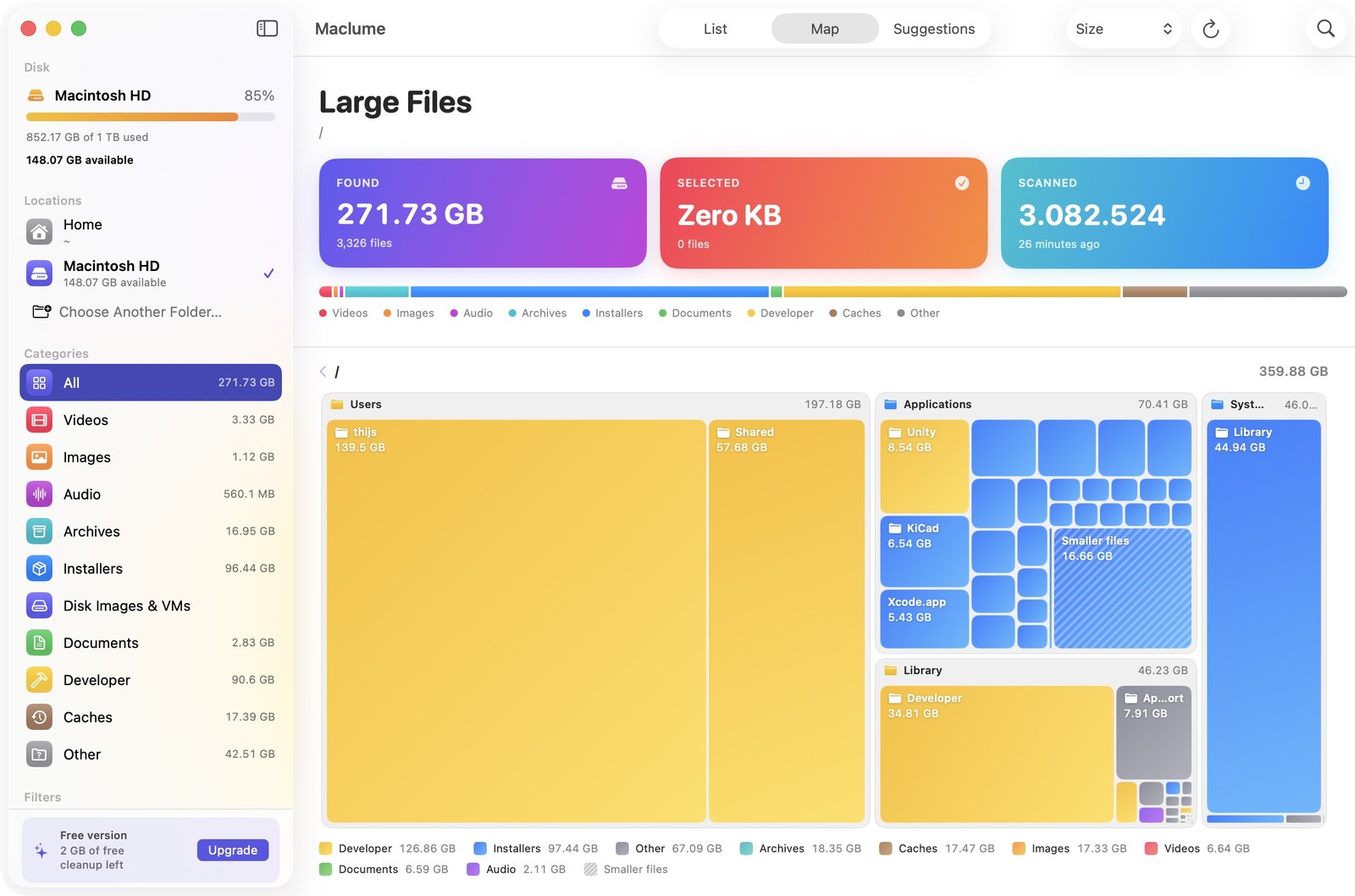
The map updates live while Maclume scans. Big tiles are big files. Click a folder to zoom in, and spot what is eating your disk at a glance.
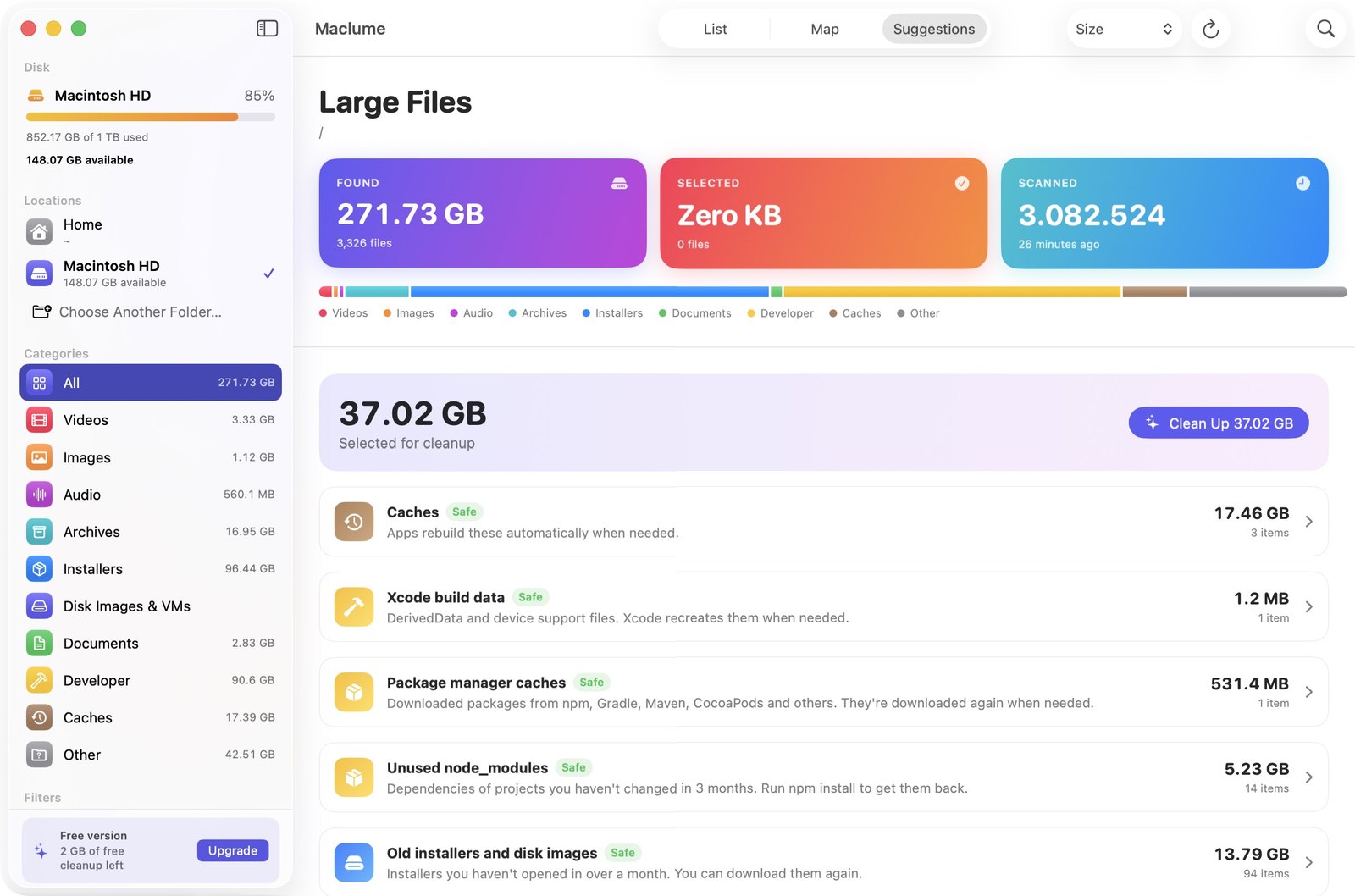
Maclume knows which files can go without breaking anything.
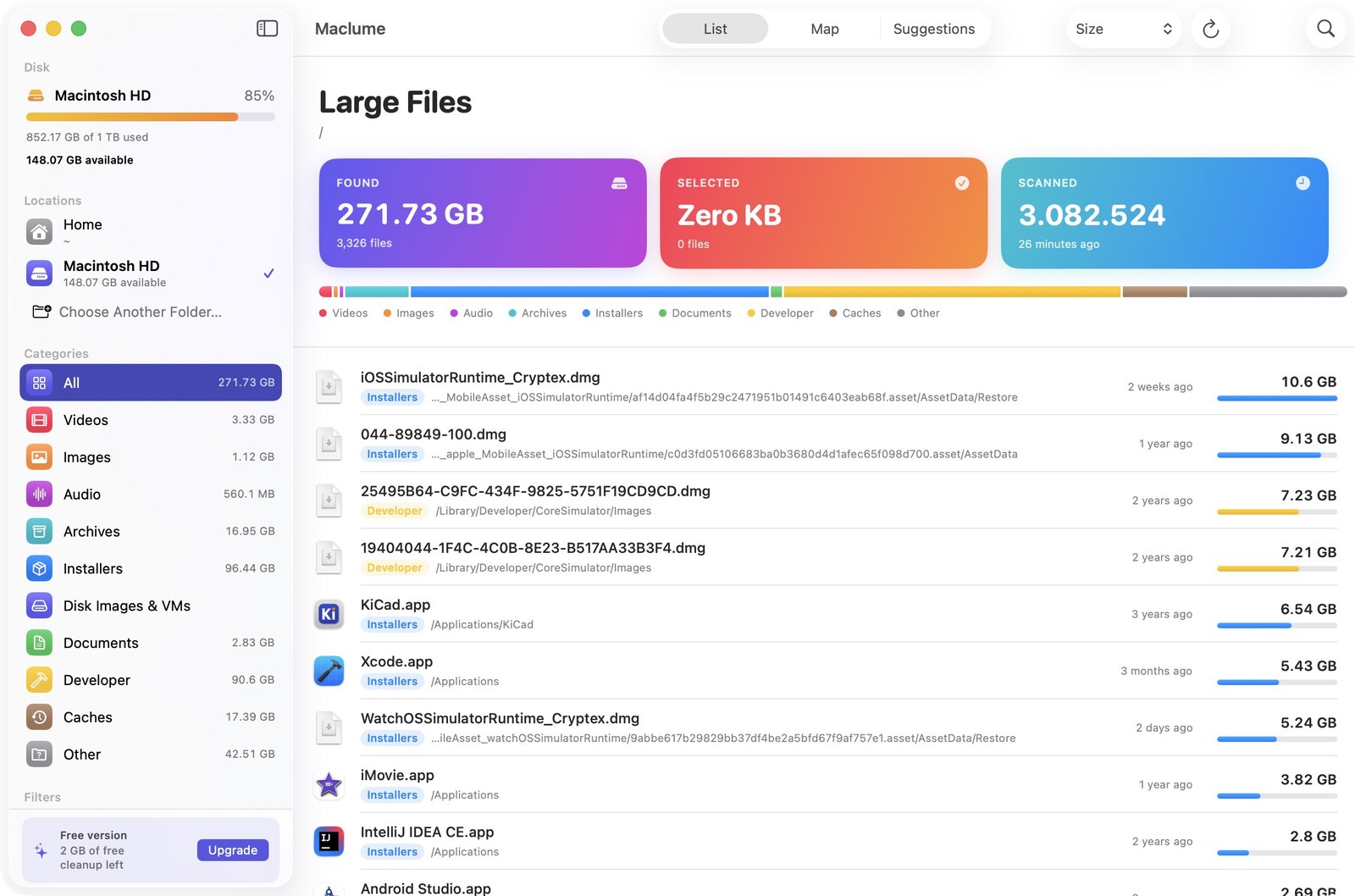
Sort by size, name, date or type. Filter by category or by how long ago you last opened a file. Press space to preview with Quick Look before you decide.
Files always go to the Trash. Undo with ⌘Z or put them back at any time.
Everything runs on your Mac. No account, no analytics, no tracking.
Native on Apple silicon and Intel. Available in 34 languages.
Scan, explore the map, see suggestions and find duplicates for free, and clean up your first 2 GB. Maclume Pro removes the limit with a single purchase, shared with your family.
Requires macOS 14 Sonoma or later.